Themes
QuantumConsole has a QuantumTheme system which allows you to modify aspects of the UI without modifying the prefab

Creating a Theme
To create a new theme, right click in the Project view and click Create > Quantum Console > Theme

UI
Here is where you can set global UI settings such as the material to use, the color of the UI and the font to use
Tip
Leaving the material option empty will use the default Unity UI material

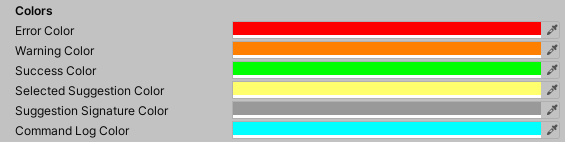
Colors
Here you can specify how different console entries are formatted
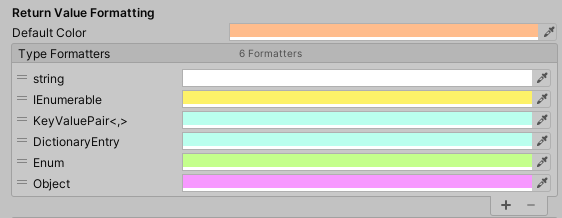
Return Value Formatting
This allows you to specify a color for each return type. If a return value inherits from a type specified in the list, it will be colored accordingly.
- Direct type matches take priority over inheritance
- Entries earlier in the list take precedence
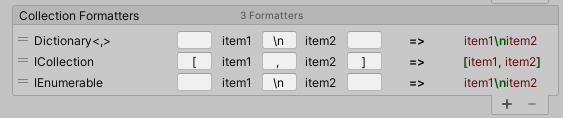
Collection Formatters
This allows you to specify how different collections are formatted in a similar fashion to the return value formatters